
The current visit, without the office-system clutter.
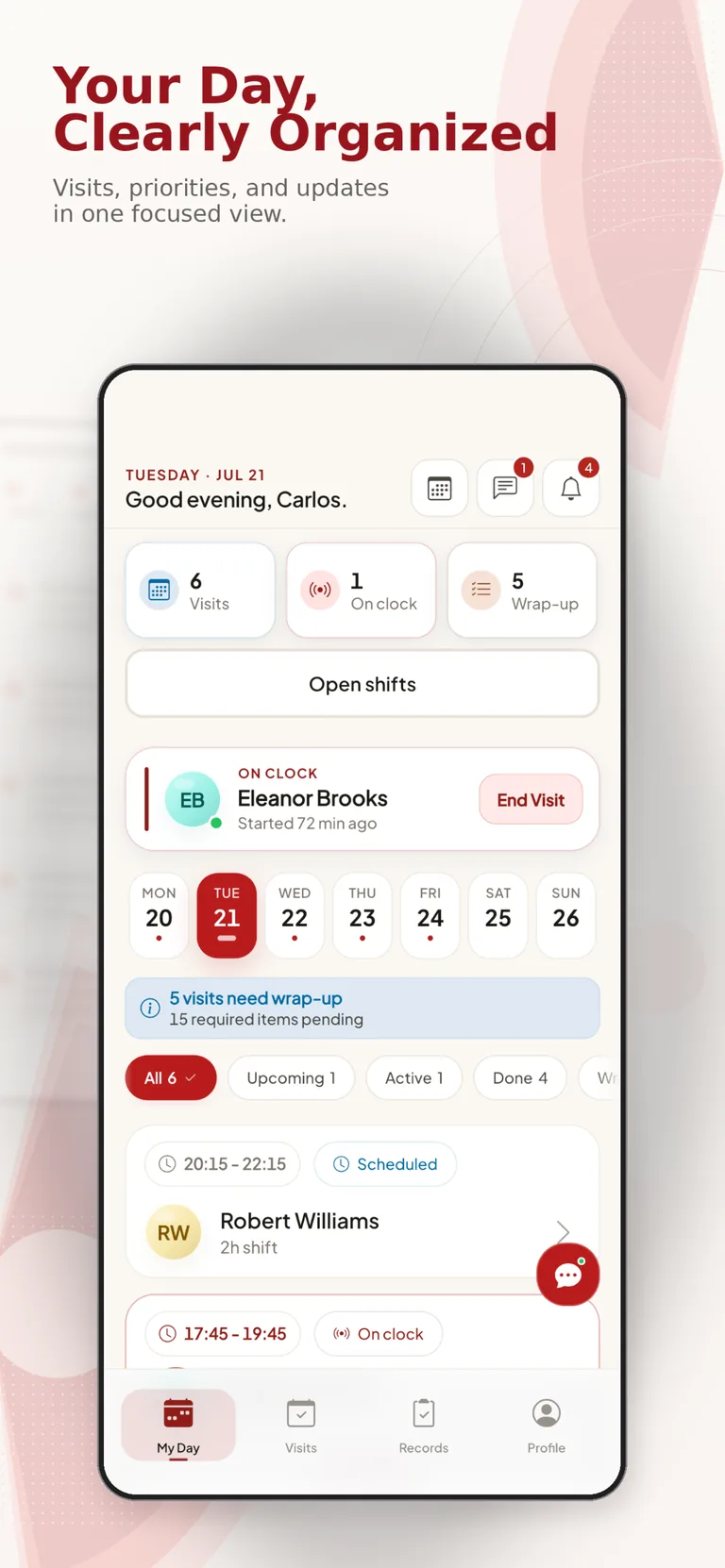
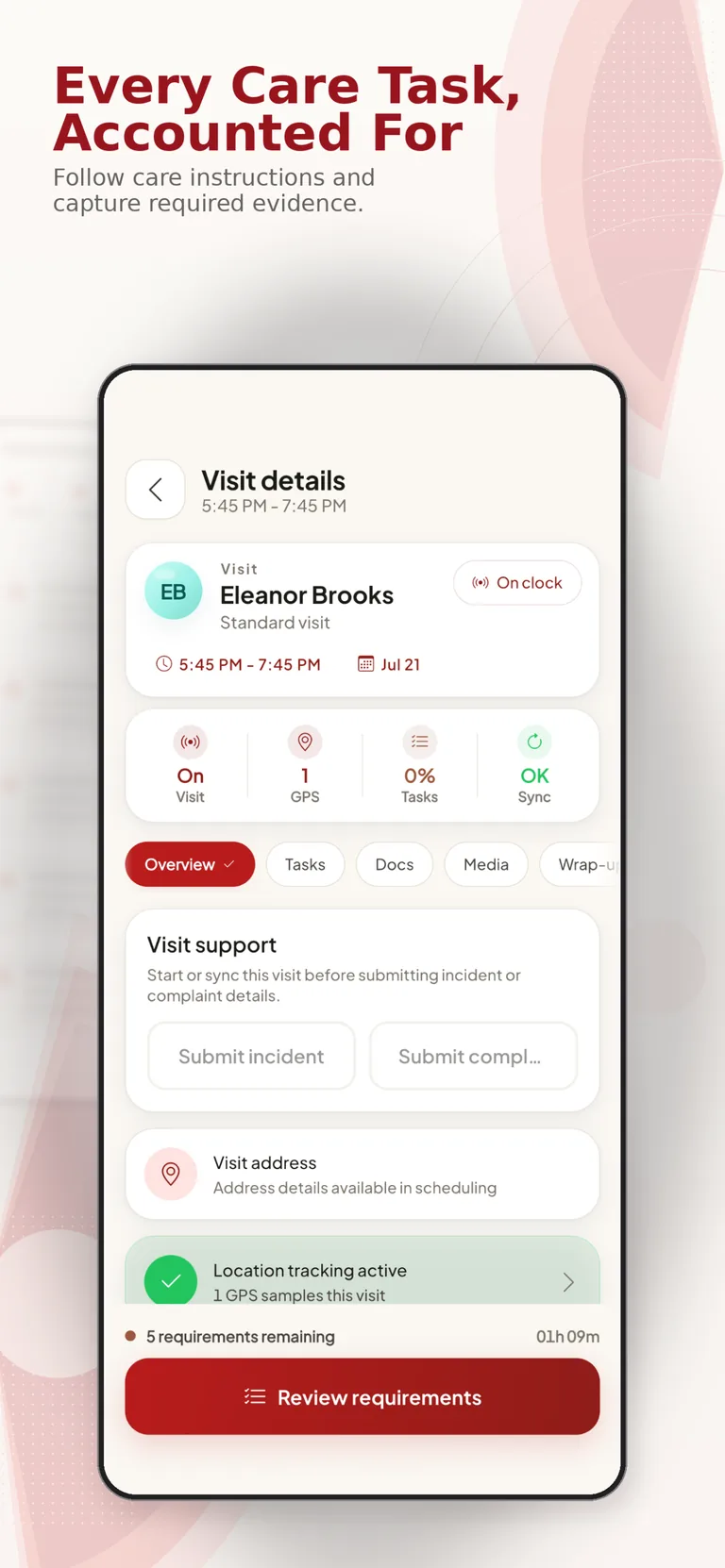
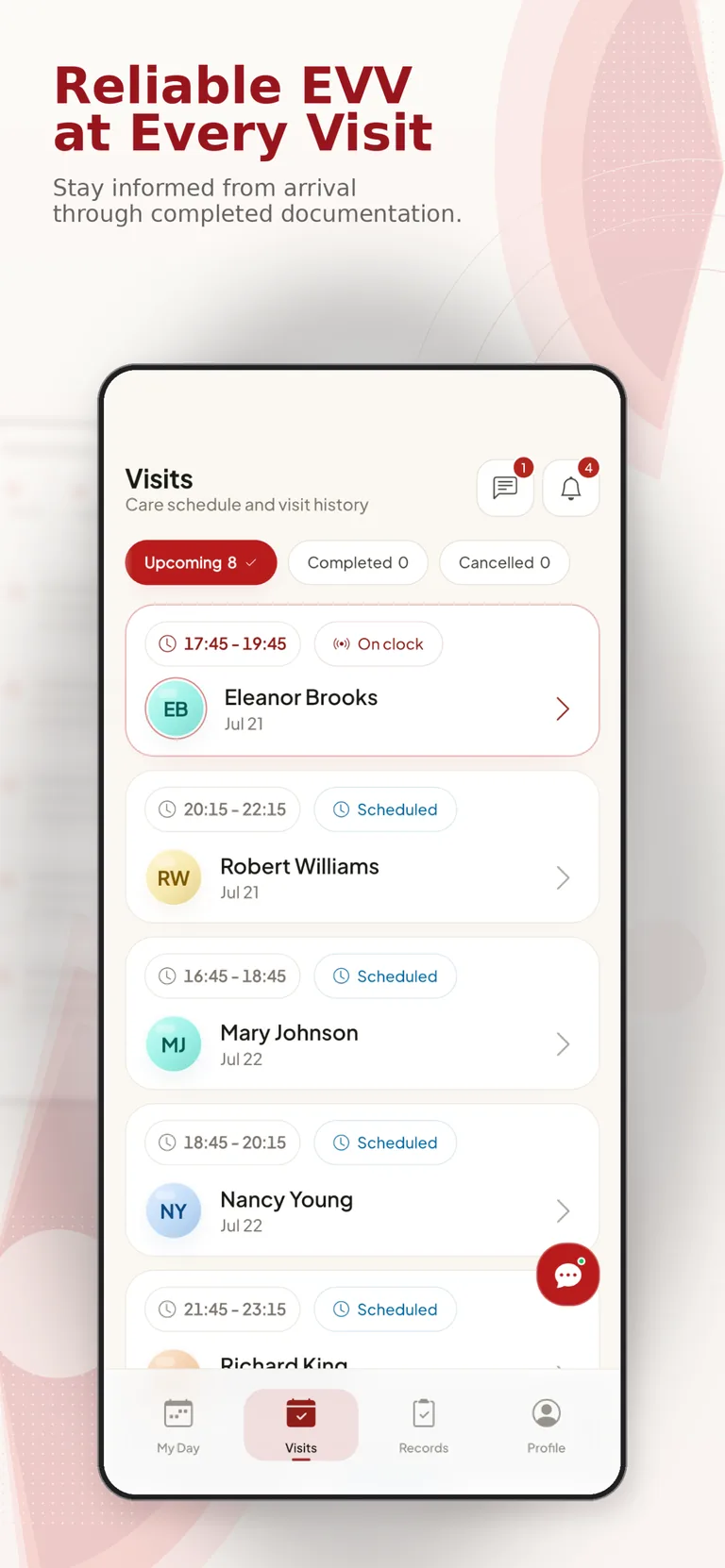
The iCare mobile application gives caregivers a focused path through assigned work, available client context, EVV actions, and required visit documentation.
Real iCare interface — synthetic demonstration data
- Assigned visit context
- EVV and documentation workflow
- Secure role-aware access
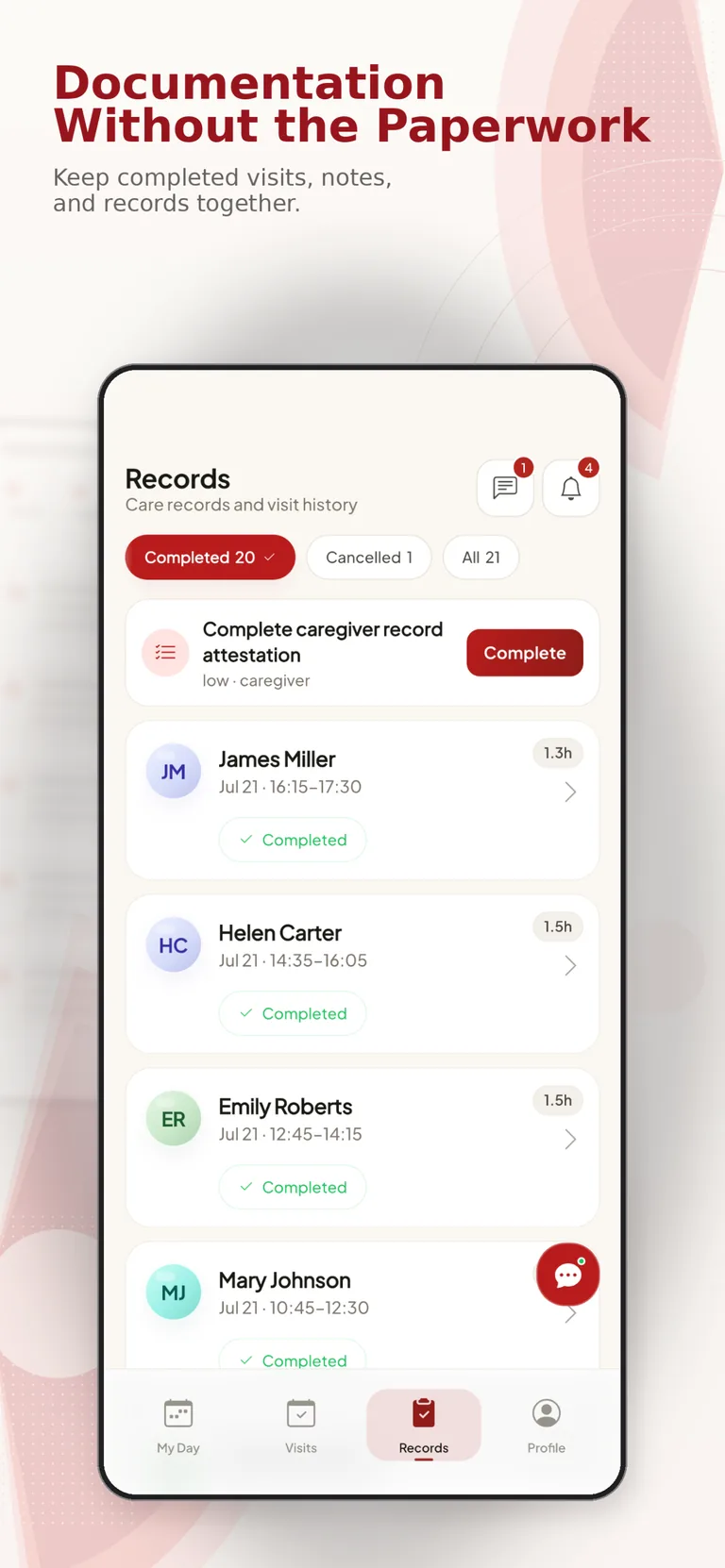
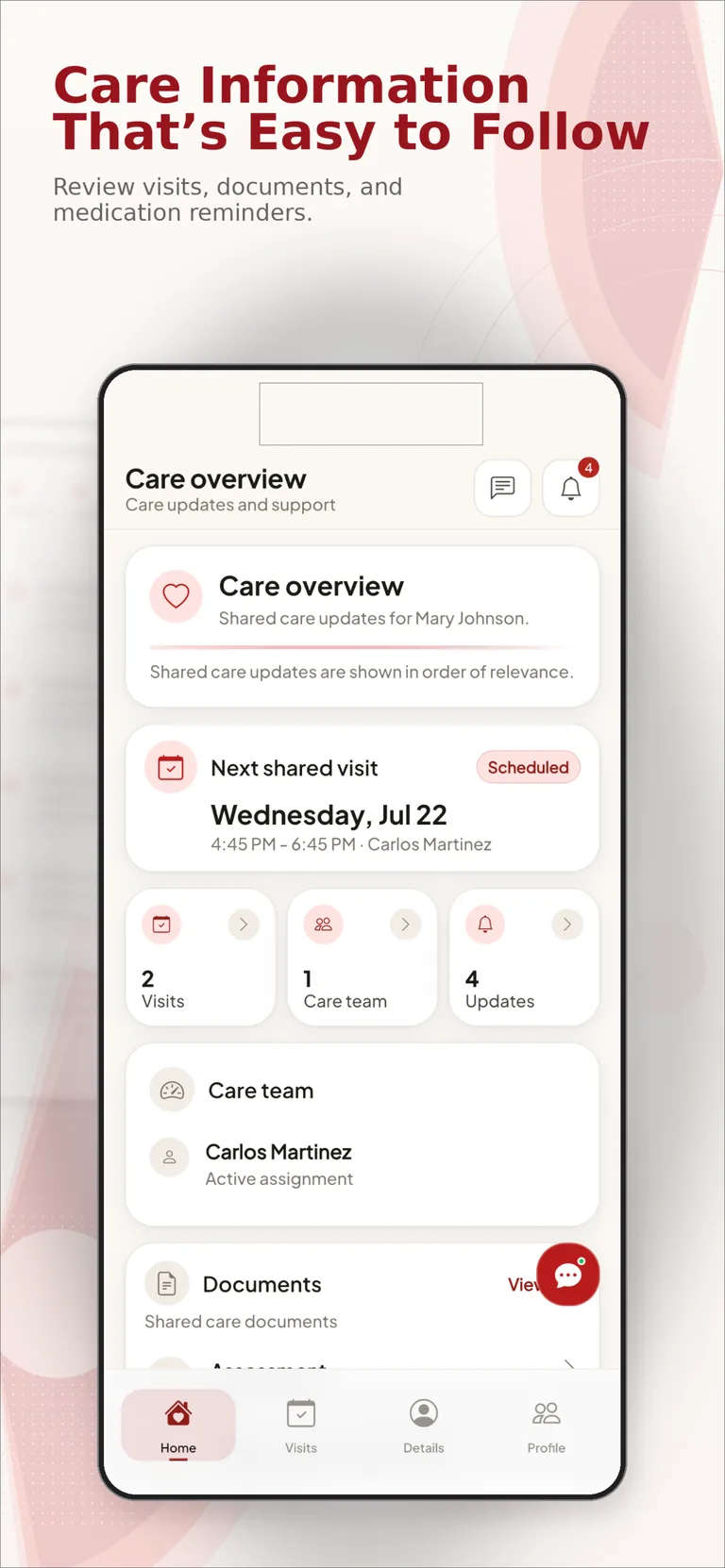
A direct path from schedule to completed visit
Sign in
Use the account and access method assigned by the organization.
Review
See assigned work and the available context for the visit.
Verify
Complete configured check-in, check-out, and EVV steps.
Document
Complete the visit tasks and information required by the workflow.
Submit
Send the visit record into the agency review process.
What the released application is designed to support
My day and assigned visits
A caregiver-oriented view of available scheduled work.
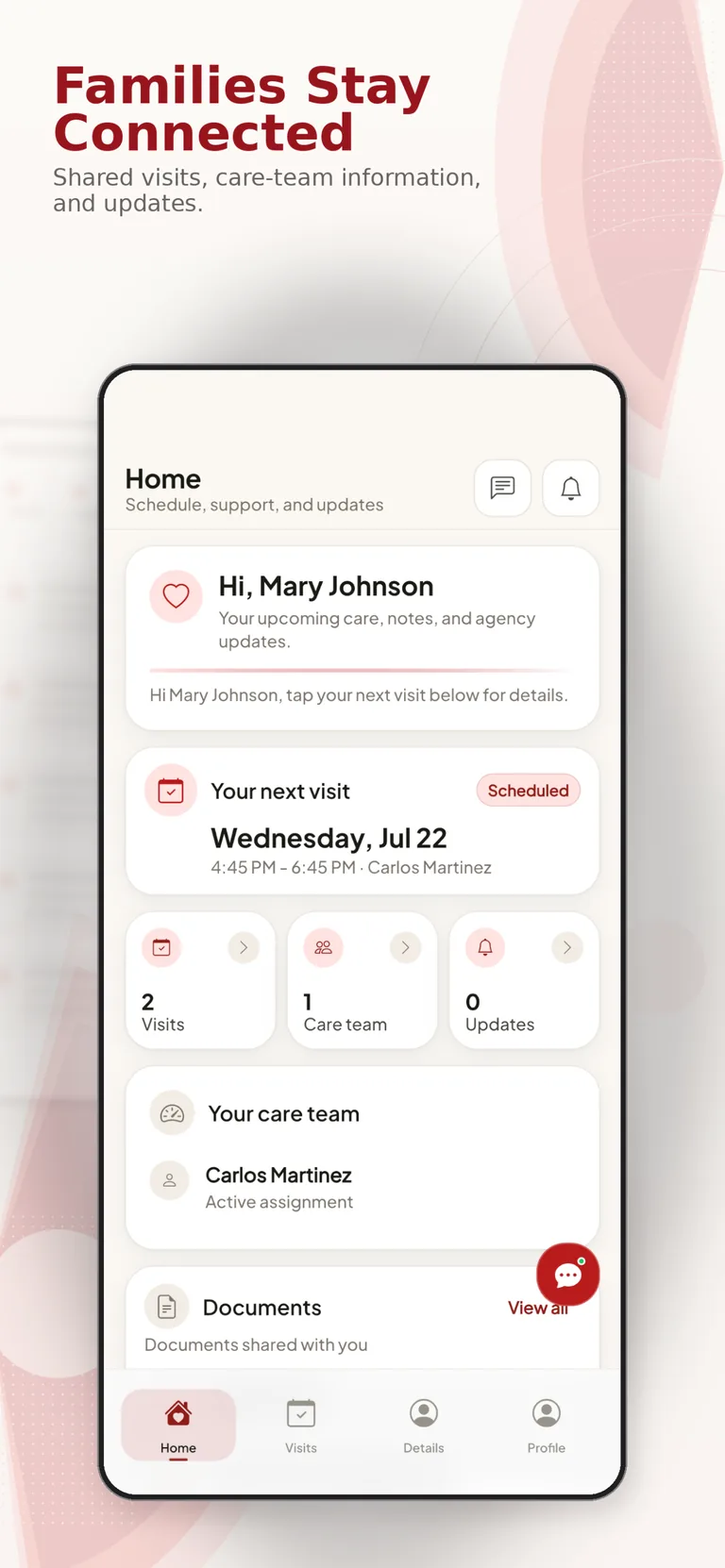
Client and visit context
Information made available by the agency for the assigned visit.
EVV actions
Configured location-aware check-in and check-out workflows.
Visit documentation
Tasks, notes, and required visit information supported by the assigned workflow.
Secure session handling
Short-lived access credentials with protected refresh-session storage and organization-controlled revocation.
Operational follow-up
Submitted work can move into agency review, exception, and completion workflows.
Mobile privacy depends on product controls and agency practice
Location permissions, client context, visit notes, device access, and session security must be configured and explained for the organization’s workflow. Caregivers should only access or enter the information required for assigned work.
- Role-scoped access
- Device permission transparency
- Session revocation
- No PHI in public support forms
Choose the store for your device
iPhone
Open the iCare EVV listing in the Apple App Store.
Download for iPhone →Android
Open the iCare EVV listing in Google Play.
Download for Android →